Simple CRUD Object Into Array in JavaScript
Hey everyone! In this article, we're gonna learn how to do some simple CRUD stuff with objects inside an array using JavaScript.
Create object into array
 let itemList = [
  { code: "BRG001", name: "Soap", price: 1.3, qty: 10},
  { code: "BRG002", name: "Shampoo", price: 2.5, qty: 5 },
  { code: "BRG003", name: "Toothpaste", price: 2, qty: 7 }
 ];
add another object
 itemList.push({ code: "BRG004", name: "Tissue",   price: 1.5, qty: 20});
 itemList.push({ code: "BRG005", name: "Brush",    price: 2, qty: 12});
 itemList.push({ code: "BRG006", name: "Detergent", price: 5, qty: 9 });
Update data object
 console.log("Before Update Data", itemList);
 const idShampoo = itemList.findIndex(b => b.code === "BRG002");
 if ( idShampoo !== -1) {
     itemList[idShampoo].price = 2.6;
     itemList[idShampoo].qty = 6;
 }

 const idTisuee = itemList.findIndex(b => b.code === "BRG004");
 if ( idTisuee !== -1 ) {
     itemList[idTisuee].price = 1.6;
     itemList[idTisuee].qty = 22;
 }

 console.log("After Update Data", itemList);
Delete data object
 console.log("Before Delete Data", itemList);

 function findIndexByCode(list, code) {
   return list.findIndex(
     (b) => b.code.toLowerCase() === code.toLowerCase()
   );
 }

 const idx = findIndexByKode(itemList, "BRG002");
 if (idx !== -1) {
   itemList.splice(idx, 1);
 }

 console.log("After Delete Data");
Show data object with table
 console.log("No | Code    | Name          | Price  | Qty");
 itemList.forEach((b, i) => {
  const no = String(i + 1).padStart(2, "0");
  const code = b.code.padEnd(7, " ");
  const name = b.name.padEnd(13, " ");
  const price = String(b.price).padStart(6, " ");
  const qty = String(b.qty).padStart(3, " ");
  console.log(`${no} | ${code} | ${name} | ${price} | ${qty}`);
 });
This Result

End!!
Your feedback is a gift. Let us know your thoughts in the comments below!.
See you next time guys!!!.
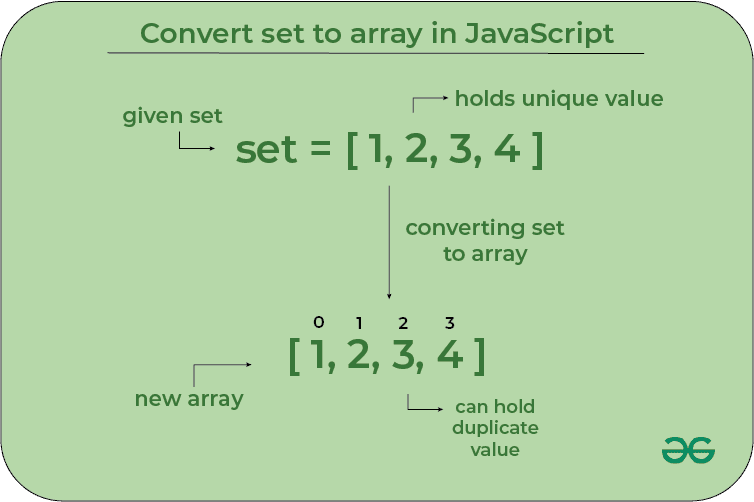
note: picture from https://www.geeksforgeeks.org/javascript/how-to-convert-set-to-array-in-javascript/