Connection to Database with Drizzle ORM in Node.js
___________________________________________
What’s
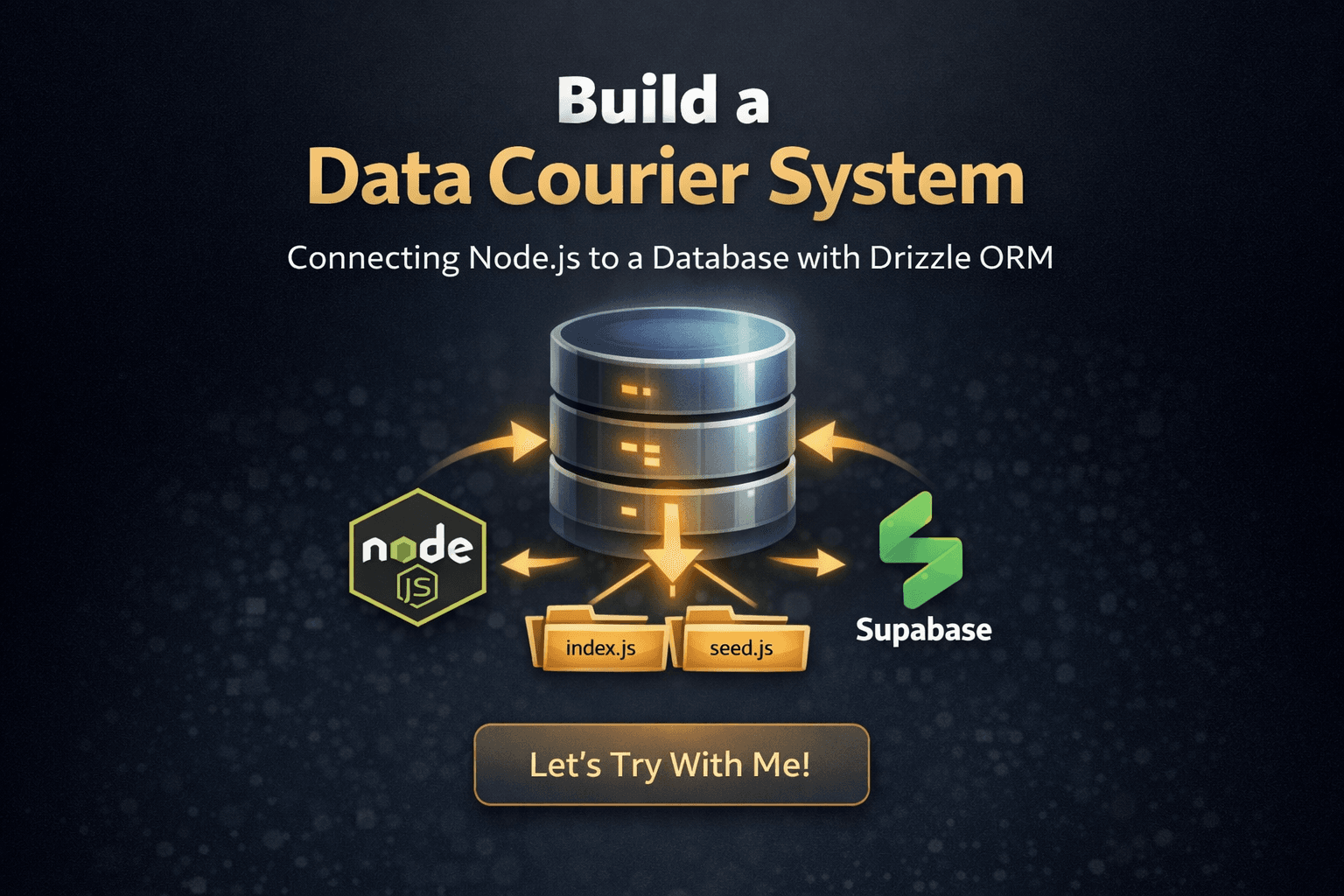
Today we’ll build a data courier system. The goal is to connect our application code to a database so we can seamlessly send and retrieve data using the Drizzle ORM.
_____________________________________________________________________________________________________
Let’s Try With Me!!
_____________________________________________________________________________________________________
Setup
___________________________________________________________________________________________
Technology
Node JS
Drizzle ORM
Supabase
___________________________________________________________________________________________
Structure File
project/
|— index.js
|— schema.js
|— seed.js
|— .env
___________________________________________________________________________________________
Create Database
Login in Supabase
Create project
___________________________________________________________________________________________
Init & Install Project
- NPM Init
npm init -y
- Install Drizzle ORM
npm install drizzle-orm pg
npm install -D drizzle-kit
- Install .env
npm install dotenv
- Update file package.json, add this code in file package.json
"type": "method",
_____________________________________________________________________________________________________
Code Code!!
_____________________________________________________________________________________________________
Connect to Database
___________________________________________________________________________________________
Supabase
- Click connect

- Click and Click, then choose Transaction Pooler and copy url

- and paste in file .env and write your password account in supabase

___________________________________________________________________________________________
Code Index.js
import { drizzle } from 'drizzle-orm/node-postgres';
import { Pool } from 'pg';
import * as schema from './schema.js'

const pool = new Pool({
    connectionString: process.env.DATABASE_URL,
    ssl: { rejectUnauthorized: false }
})

export const db = drizzle(pool, { schema })
___________________________________________________________________________________________
Create file Drizzle
Create File drizzle.config.js
import 'dotenv/config'

export default {
    dialect: 'postgresql',
    schema: './schema.js',
    out: './drizzle',
    dbCredentials: {
        url: process.env.DATABASE_URL,
        ssl: { rejectUnauthorized: false }
    }
}
_____________________________________________________________________________________________________
Schema Database
___________________________________________________________________________________________
Code Schema.js
import { pgTable, serial, varchar, text, integer, timestamp, numeric } from 'drizzle-orm/pg-core';

export const note = pgTable('latihan_catatan', {
    id: serial('id').primaryKey(),
    note: varchar('note', { length: 256 }).notNull()
})
___________________________________________________________________________________________
Update File ‘package.json‘ in ‘scripts‘
"scripts": {
  "db:generate": "drizzle-kit generate",
  "db:migrate": "drizzle-kit migrate"
},
___________________________________________________________________________________________
Run Code
- open your terminal with
ctrl+`or click like this and choose terminal

- Write
npm run db:generatethennpm run db:migratein terminal

_____________________________________________________________________________________________________
Seed Data
___________________________________________________________________________________________
Code Seed.js
import 'dotenv/config';
import { db } from './index.js';
import { note } from './schema.js';

async function seed() {
    console.log('Sedding database......')
    await db.delete(note)

    const note1 = await db.insert(note).values({
        note: "First step"
    })
    .returning();

    console.log(note1);
    console.log('✅ Sedding completed!')
    process.exit(0)
}

seed().catch((err) => {
    console.error('❌ Sedding failed:', err);
    process.exit(1)
})
___________________________________________________________________________________________
Update File ‘package.json‘ in ‘scripts‘
"scripts": {
    "db:seed": "node seed.js"
  }
- Run code with write
npm run db:seedin terminal

_____________________________________________________________________________________________________
See Result
___________________________________________________________________________________________

_____________________________________________________________________________________________________
Update Column
___________________________________________________________________________________________
Update Code Schema.js
export const note = pgTable('latihan_catatan', {
    id: serial('id').primaryKey(),
    name: varchar('name', { length: 256 }).default('Anonymous').notNull(),
    note: varchar('note', { length: 256 }).notNull()
})
___________________________________________________________________________________________
Run Code

___________________________________________________________________________________________
Update Code Seed.js
const note1 = await db.insert(note).values({
        name: "The Champion",
        note: "We Are Champion"
    })
    .returning();
___________________________________________________________________________________________
Run Code

_____________________________________________________________________________________________________
See Result
___________________________________________________________________________________________
- This is result, we can add data to database

_____________________________________________________________________________________________________
Repository
_____________________________________________________________________________________________________
Closing
_____________________________________________________________________________________________________
Congratulations! You’ve just successfully built a solid data pipeline. Your application is no longer just isolated code—it can now seamlessly communicate with a PostgreSQL database.
From this project, we’ve learned how to:
Build the Bridge: Connect Node.js to a database using the lightweight and fast Drizzle ORM.
Design the Blueprint: Create and update table structures (schemas) with ease.
Test with Confidence: Use Seeding to automatically fill your database with sample data for quick testing.
By skipping SSL, we've kept our setup simple and perfect for learning or local development. As you move forward, you can explore more complex data relationships or even add security layers when you're ready to take your project to the next level.
Happy coding and keep building! 🚀
_____________________________________________________________________________________________________