Create a Simple API with Hono
________________________________________________
What’s API
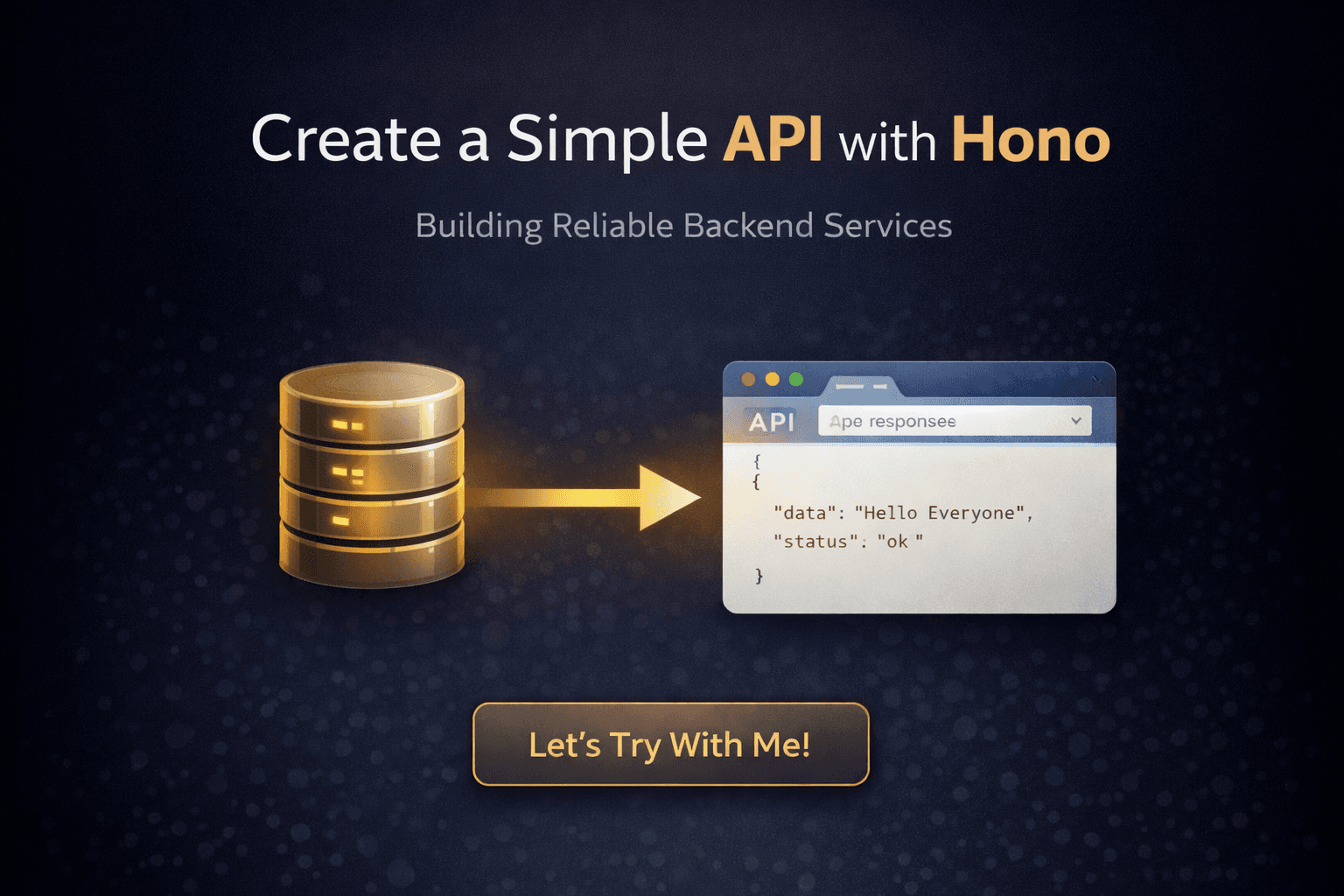
An API is a set of rules that allows different software applications to communicate. It acts as a bridge that delivers your request to a server and sends the response back to you.
__________________________________________________________________________________________________________
Let’s Try With Me!
__________________________________________________________________________________________________________
Setup
____________________________________________________________________________
Technology
Node.js
Hono
Echo API / postman / other application for testing API
____________________________________________________________________________
Structure File
Project
|— index.js
____________________________________________________________________________
Init & Install Project
- NPM init
npm init -y
- Install Hono
npm install hono @hono/node-server
- Install Echo API in extension if you use Visual Studio Code or from website

- Add and updaten a little code in package.json
"type": "module",
"scripts": {
  "start": "node index.js"
}
__________________________________________________________________________________________________________
Code Code!
__________________________________________________________________________________________________________
Main Code
____________________________________________________________________________
Index.js Code
import { Hono } from "hono";
import { serve } from "@hono/node-server";

const app = new Hono();

app.get("/", (c) => {
    return c.html(`
        <h1>Hello Hono</h1>
        <p>Available routes:</p>
        <ul>
        <li><a href="/text">/text</a> - Show Normal Text</li>

        <li><a href="/json">/json</a> - Show JSON Output</li>
        </ul>`);
});

// Rute untuk Text
app.get("/text", (c) => c.text("this is a normal text response"));

// Rute untuk JSON
app.get("/json", (c) => c.json({data : "Hello Everyone.", status: "ok"}));

serve({fetch: app.fetch, port:3100}, (info) => {
    console.log(`server run in http://localhost:${info.port}`);
});
__________________________________________________________________________________________________________
Testing
____________________________________________________________________________
Run Code
npm run start
____________________________________________________________________________
Echo API
Click
HTTP1/2 Requestfor get new file testing apifill in the url section with this
http://localhost:3100/jsonChange
POSTtoGETClick Send

__________________________________________________________________________________________________________
Closing
__________________________________________________________________________________________________________
And that’s it—you’ve just created your first API with Hono.
Think of this API as a clean, direct gateway that knows exactly how to receive a request and return the right response.
This simple setup is the backbone of many real-world backend systems.
Now that the gateway is open, what service will you connect next?
Keep building and happy coding 🚀
__________________________________________________________________________________________________________