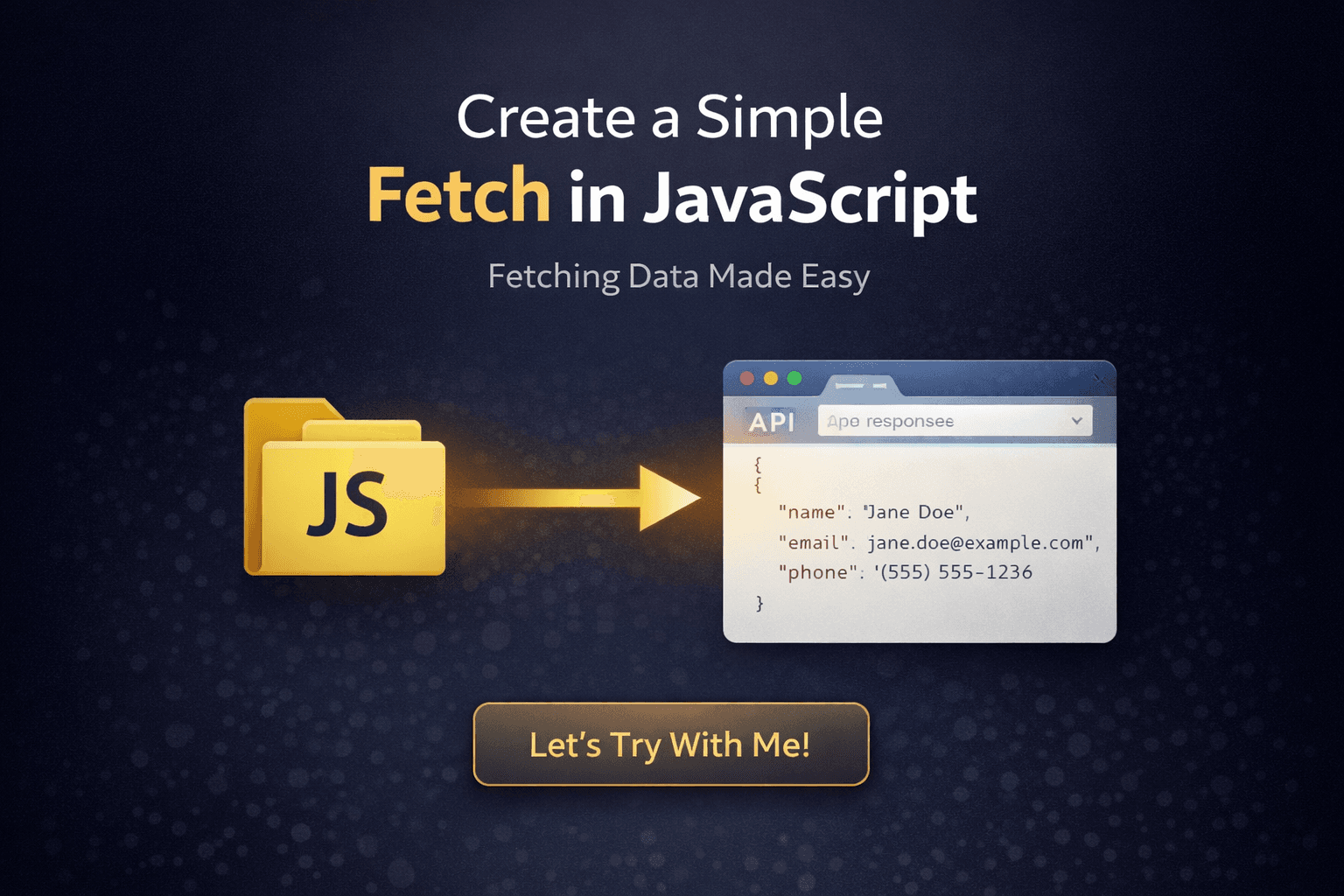
Create a Simple Fetch in JavaScript
________________________________________________
What’s Fetch
Fetch is a built-in JavaScript function used to make network requests. It is the action of going to an API's URL to retrieve information and bringing it back to your code.
__________________________________________________________________________________________________________
Let’s Try With Me!
__________________________________________________________________________________________________________
Setup
____________________________________________________________________________
Technology
JavaScript
HTML
____________________________________________________________________________
Structure File
Project
|— index.html
|— script.js
__________________________________________________________________________________________________________
Code Code!
__________________________________________________________________________________________________________
URL
____________________________________________________________________________
This Example URL
https://jsonplaceholder.typicode.com/users
Before we use this url, we can test this url with echo api
first you can download echo api extension in vs code
then click http1/2 request
after that change
POSTtoGETthen click send and you will see the data from that api or that url

__________________________________________________________________________________________________________
HTML
____________________________________________________________________________
Code index.html
<html lang="en">
<head>
    <meta charset="UTF-8">
    <meta name="viewport" content="width=device-width, initial-scale=1.0">
    <title>Trying Fetch API</title>
</head>
<body>
    <h1>users</h1>
    <div id="users-container"></div>
    <script type="module" src="script.js"></script>
</body>
</html>
__________________________________________________________________________________________________________
JAVASCRIPT
____________________________________________________________________________
Code script.js
const usersContainer = document.getElementById("users-container");

async function fetchUsers() {
  try {
    const response = await fetch("https://jsonplaceholder.typicode.com/users");
    const users = await response.json();

    users.forEach((user) => {
      const userDiv = document.createElement("div");
      userDiv.innerHTML = `
        <h2>${user.name}</h2>
        <p>Email: ${user.email}</p>
        <p>Phone: ${user.phone}</p>
      `;
      usersContainer.appendChild(userDiv);
    });
  } catch (error) {
    console.error("Error fetching users:", error);
  }
}

fetchUsers();
__________________________________________________________________________________________________________
See Result
____________________________________________________________________________
- Right-Click and choose Show Preview or Open With Live Server, If you don't have it yet, first download the extension in VS Code called "show preview" or "live server".

- And This is Result

__________________________________________________________________________________________________________
Little A Explain
____________________________________________________________________________
We create a container to display the data using a
divwith the IDusers-container.In JavaScript, we create an asynchronous function named
fetchUsers.We use
fetchto get data from the URL and store it in theresponsevariable.We convert that response into a JSON format so we can read the data easily.
We loop through the
usersarray and create a newdivfor each person.Finally, we append all those elements into our main container.
__________________________________________________________________________________________________________
Closing
And there you have it! You have successfully built your very first "Digital Bridge".
Using the Fetch API is like sending a professional messenger to gather treasures from across the internet and bringing them home to your website. This simple piece of code is the foundation of almost every modern app you see today.
Now that the messenger knows the way, what kind of data will you ask for next? Keep practicing, and happy coding! 🚀
__________________________________________________________________________________________________________